I’m not that into giving away secrets but BDH have shared the BAFTA submission compilation for our work on Countdown to Life. So now you can make your own babies.
Y’know, like, virtual ones.
(F)

 Today in Workspace we decided to move one of the machines that has lived under my desk to another room, and after some rearrangement and a removal of one large screen, We unobscured the direct view to the window. I immediately noticed a 12% upswing in my mood as the sunshine spilled in onto my blinking face. It also provides me with the option of slight head turn to look at Far Away Things, a method suggested by many internet guru spanners to minimise the eye trauma suffered from working at close proximity to computer screens.
This sequence of events made me think back to my observation of the animator species during the course of the nineties. The decade began with the steadfast traditional animation techniques, light boxes and sealed, blacked out rooms where the precious things were moved very slightly frame by frame, or drawings carefully crafted, with, very often the curtains closed. Consequently animators were often pasty-skinned hunched-over morlocks with staring blank eyes and a tendency to euphoric inebriation at the animation festivals on meeting their fellow selves, as very often this was the only time they got out.

As the decade developed and the computer was carefully introduced to workflows, from one festival to the next one could observe the increase in the tanned skin, the bright eyes, the straighter back, and a sense that these people were opening windows and going outside more. Some of them even took to surfing.
Nowadays one couldn’t really tell an animator from any other kind of general human just by looks alone. Some would argue that that is a bad thing and computers are ruining everything. This partly true, of course.
As anyone who follows me on RSS (haha!) will have noticed I have started making more microblog style posts on this feed on a daily basis. I have decided to do this so that some things I post on social media have a home here too. Somewhere between a backup and me having control of my own content. So you can get separate RSS feeds for this site, one to include the long read posts, ones categorised “macro”, and one for short posts titled “micro”. Frequency will on the macro will therefore be, at the very most, 2 or 3 times weekly.
Here they are:
From this site:
Microblog – miniposts, daybook, scrapbook.
Macroblog – News and longer posts,
Both – of the Above
Also:
LinkFeed – Everything I bookmark
Tumblr – (Proto-Scrapbook)
Background: Like many I often find myself spooling through web content, looking for I know not what. Now this has in the past actually added much to my life, new friends, unexpected ideas and new ways of doing things coming into my life because I discovered them in such a way.
However there is a balance and I would rather use more of the limited time I have on this good planet to make my own creative progress, still enjoying the benefits of the web, but to do that in a focused, limited and directed way once my affairs are in order.
This means, to me, spending and posting more here, on my internet home. I use and enjoy Twitter, Facebook, Instagram and love posting what I do in those places, but they are other peoples places not mine, and would rather I have those status updates, images, quotes and links posted here as well as there, so I have a record of them should any of those accounts become compromised and also so I have a searchable record of these things.
The Proposal: To create a secondary microblog within this website, but also with the capability of separating it in the rss subscription so friends who also follow me on social media won’t get the duplication and only receive macro/longread type posts they may not have already seen elsewhere.
Method: A greater organisation an delineation in posting. I have created two main categories. Firstly MACRO, which encompasses my news blog, and any update pertaining to what I have been up to, art I have made and things happening at BDH. There are 9 subcategories for this and they are:
The second one is called MICRO, this will be a scrapbook of sorts, a research project, a gathering of links and artifact, juxtaposition of non sequiturs for future consideration, as much for my benefit as anyone elses. Within it there are 7 sub-categories as follows:
In addition to these will be the category of Daybook which is a home for longer form posts involving min and other peoples work, otherwise defying categorisation.
It is clear to me at this stage that many of the things I have posted here so far fall into these categories so I will be retrospectively allocating posts to the above for the help of navigating the archive.
One of the splendours of using After Effects and Maya together is being able to import cameras from one to the other.
I use this feature a lot and then the issue came with a scene I just working on. I tried many different things and eventually realised it was the scene that was triggering the problem. I wondered if it had picked up a glitch that AE didn’t like.
So my fix was, To make a new fresh scene, import the previously exported camera (the one AE refused) then to export it again from there. Then it worked.
EDIT: Ensure that the correct resolution is set in the render settings and the camera focal length also matches the original camera.
As you may be aware if you follow me on Twitter we’ve been having some terrible trouble with rendering on Mental Ray for Maya after upgrading to the Macintosh Mavericks OS.
There seemed to be a conflict with multiple thread renders and the new Macintosh architecture.
We so far seem to have cleared the issue.
We completely uninstalled all parts of Maya, on the problem computers by dragging the Maya folder in the applications to the trash and then finding the Autodesk preferences folder in Library/Preferences(Library appears when you Alt-click the Go menu), and removing that too. Probably best keep a back up of that one.
Then do a fresh install of the new Maya 2015 Sp3.
It’s easier than uninstalling Mavericks anyways.
We had this in place for 3 days now and the constant hangs seem to be over.
Fingers crossed.
Edit: Scrub that. Still having freeze problems. Thinking of now striping the Mavericks machines to take them back to OS 10.8, as we are having no problems with them. If anyone else is making progress on this please let me know.
Edit 2: I tried CGBeige‘s script in the render farm, but it didn’t seem to stop the issue. So I have reverted to enabling “Overtime Kill Ratio” on Smedge (the software we use to managed our render farm). I set this to 3, so that if the work for the chunk goes 3 times over the work unit time it kills the chunk and starts again., which is good enough to kick it into gear and means I can sleep, without looking over the render farm all night.
Oh, and I have raised an official case ID with Autodesk, in case you were wondering.
Edit 3: Just found this post on Inside Mental Ray, there is an SP4, and they claim to have fixed it.
“We are glad to announce that we were able to remove the cause for freezes and crashes on Mac OS X version 10.9”
So we’ll see.
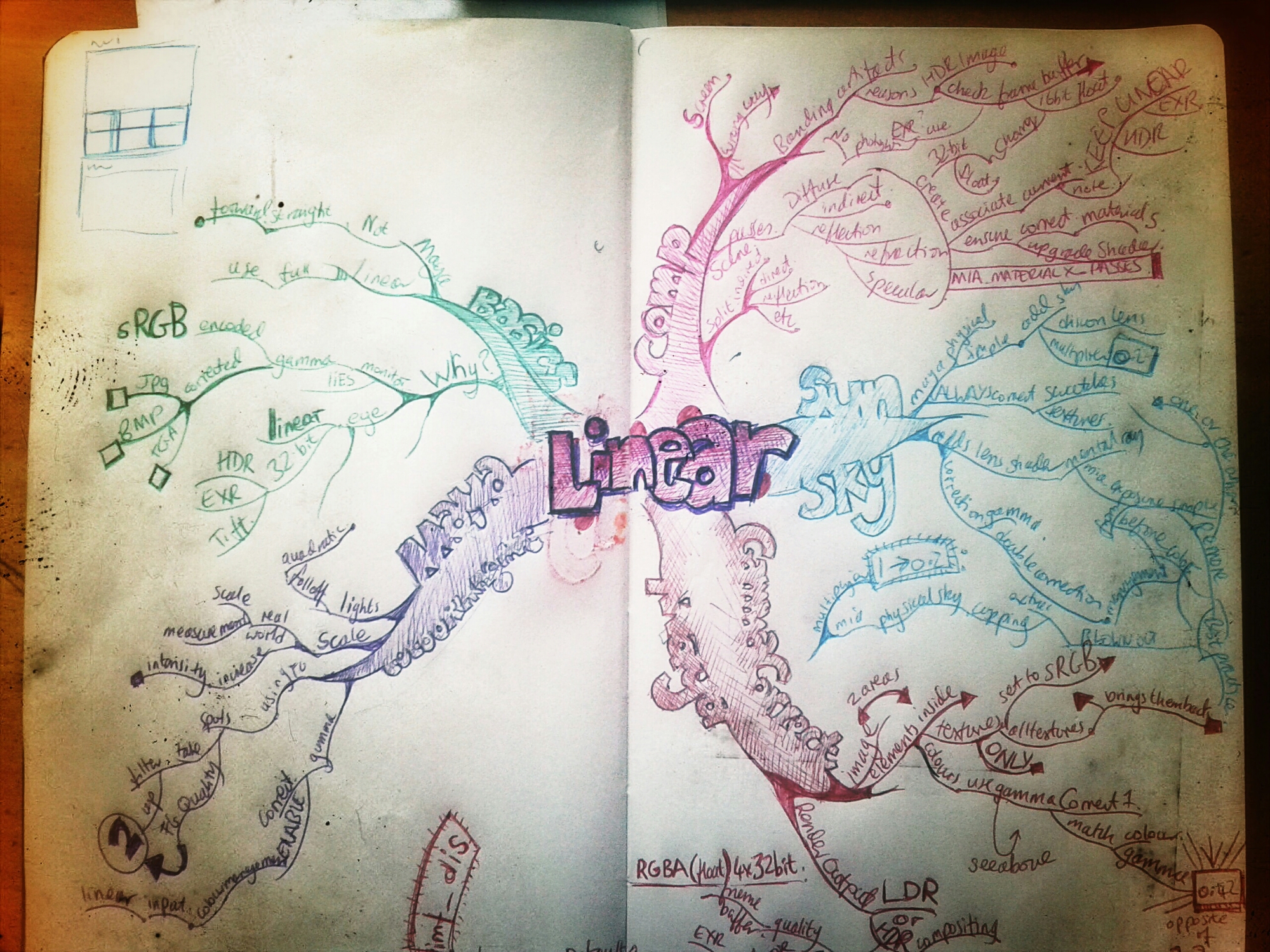
For my sins I am finally try to wrap ny brain around linear workspace colour management. I may try and regurgitate my learnings on here once they have settled in some.
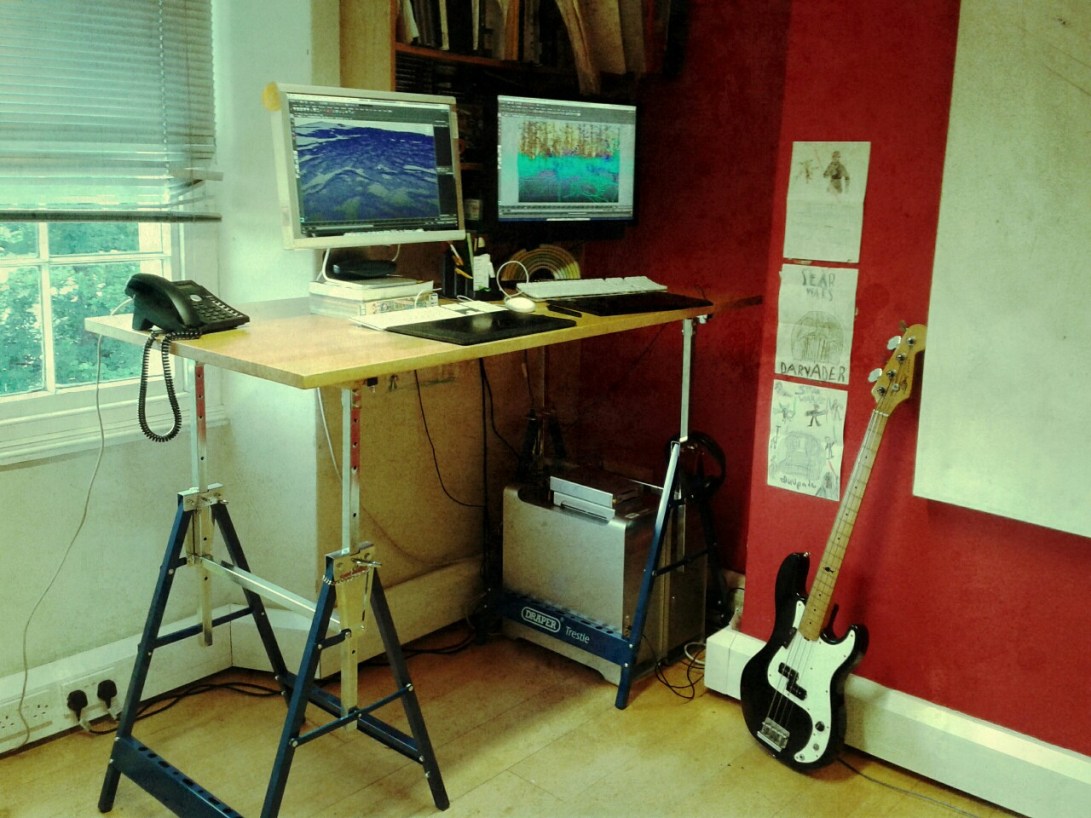
(Yes, it’s standing)
(Star Wars drawings by the chiddlers)
 Paul Greer